✅ Who this guide is for
This guide is for people living in Korea who use KakaoTalk and are about to change phones, reinstall the app, or restore their chat history. KakaoTalk is used widely in Korea for daily communication, work, schools, clinics, delivery, appointments, and local services, so losing chat history can be more than just inconvenient.
This is not a data recovery guarantee. KakaoTalk backup and restore rules can depend on your account status, app version, device, operating system, and whether a backup was completed in advance. Check Kakao's official help pages before deleting the app, unregistering from KakaoTalk, or deleting your Kakao Account.
📌 Quick answer
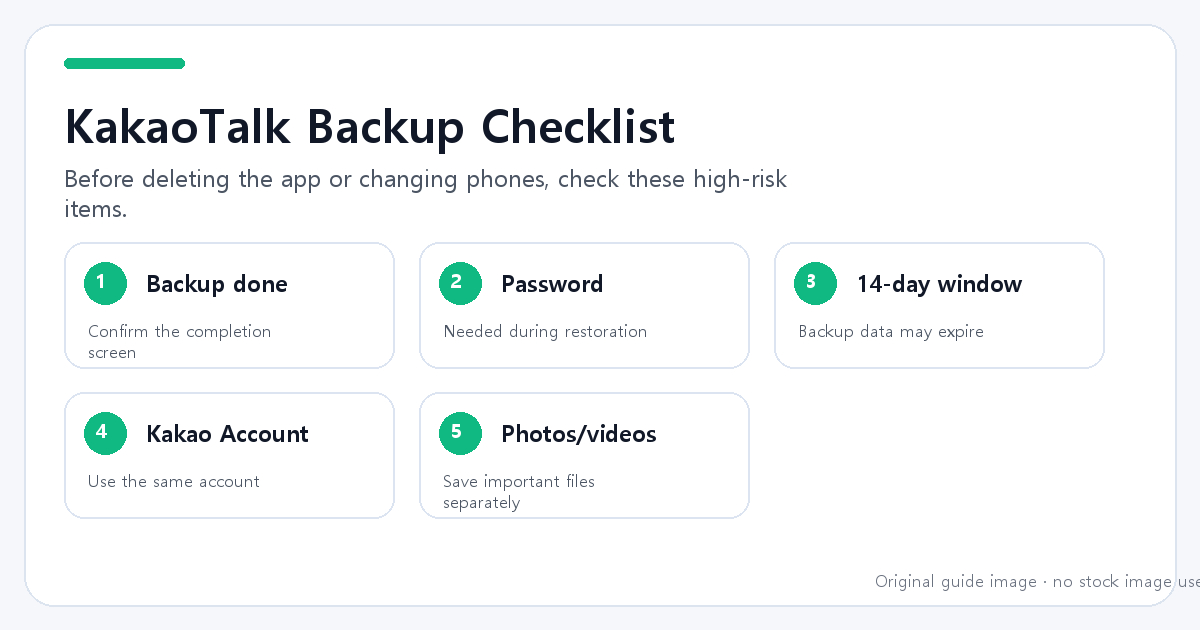
If KakaoTalk chat backup is not working, first separate the problem into two cases:
| Situation | What to check first |
|---|---|
| Backup does not complete | Network, app switching, battery, app version |
| Restore page does not appear | Whether you backed up in advance and logged in with the same Kakao Account |
| Backup password is forgotten | Restoration may not be possible |
| Backup is too old | Kakao says chat history can be restored within 14 days of backup |
| Photos and videos are missing | They should be saved separately |
The most important Korean menu path is usually:
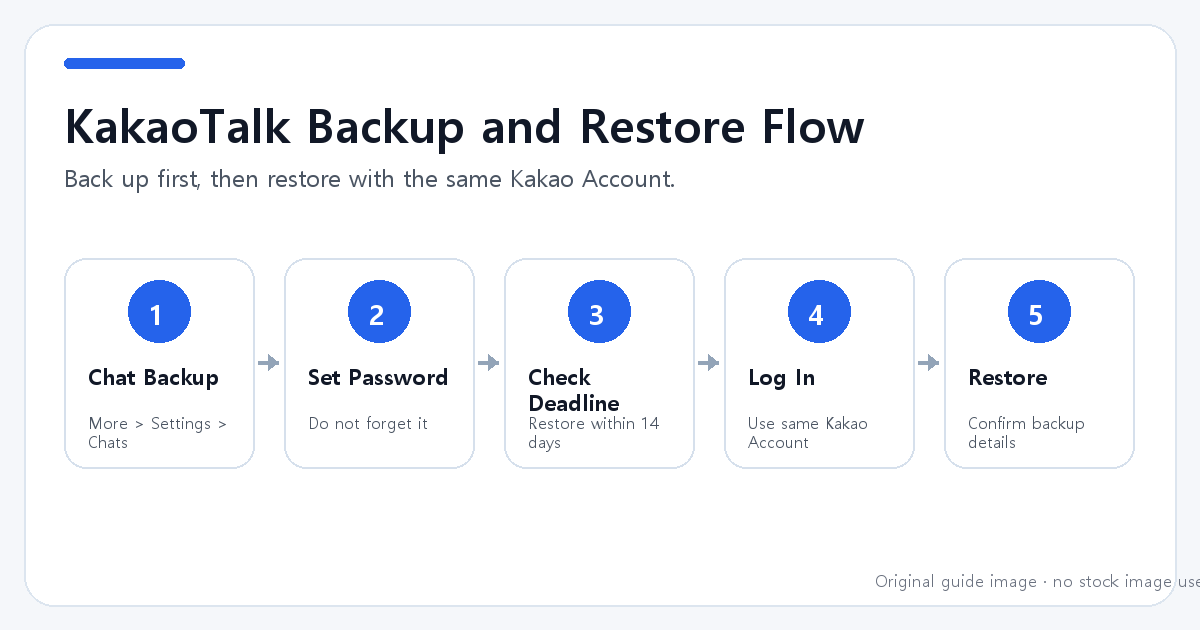
More (더보기) > Settings (설정) > Chats (채팅) > Chat Backup (대화 백업)
🔎 1. Make sure the backup actually completed
Before changing phones or deleting KakaoTalk, open the chat backup menu and confirm that the backup has finished. Do not assume that tapping the backup button means the process was completed.
Check these items:
| Item | Why it matters |
|---|---|
| Backup date | You need to know whether the backup is recent |
| Restore deadline | Kakao says backup data can be restored within 14 days |
| Backup password | You need it during restoration |
| Kakao Account | You must log in with the account used for backup |
| Important files | Photos and videos may not be included |
If your chat history is important, do this while you still have access to the old phone.
🛠️ 2. Do not forget the backup password
KakaoTalk asks you to set a password when backing up chat history. According to Kakao Customer Service, if you forget this password, you will not be able to restore your chat history.
This is one of the highest-risk points. Do not delete the app or reset your phone unless you are confident that you remember the backup password.
⚠️ 3. Restore with the same Kakao Account
When installing KakaoTalk on a new phone, phone number verification alone may not be enough. Kakao's official guide says you should verify your phone number and then log in with your Kakao Account.
If you skip logging in with the previous Kakao Account, KakaoTalk may treat you as a new user, and the restore option may not appear.
Checklist:
- Verify your phone number.
- Log in with the Kakao Account used for backup.
- Check the backup date and device or OS information.
- Tap restore only after confirming the backup is the correct one.
- Enter the backup password.
💡 4. Remember the 14-day restore window
Kakao Customer Service says chat history can be restored within 14 days of backup. After that period, the backup data may be deleted.
If you backed up more than 14 days ago and still have the old phone, back up again before switching devices. If you no longer have access to the old phone, check Kakao's official help pages and support options, but do not assume that old backup data is still available.
❓ 5. Save photos and videos separately
Kakao's help page says only text can be backed up, with some exceptions. Photos, videos, long messages, secret chats, and open chat messages may not be included in the regular chat backup.
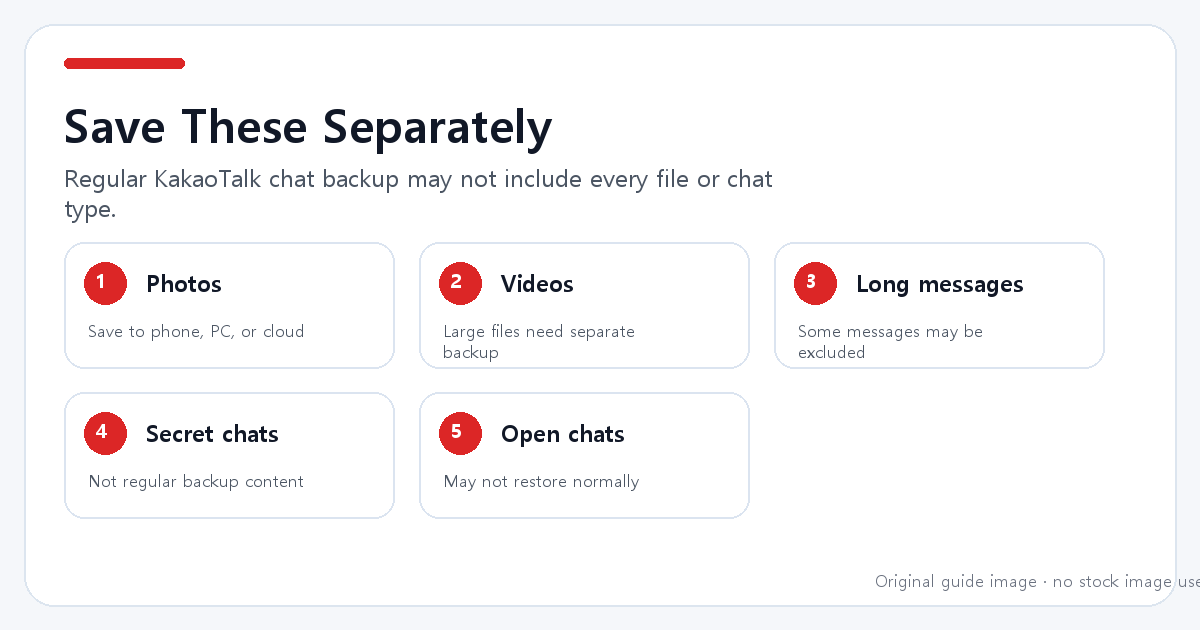
Before deleting KakaoTalk or changing phones:
- Open important chat rooms.
- Save important photos and videos to your phone, computer, or cloud storage.
- Back up KakaoTalk chats.
- Confirm the backup date and restore deadline.
- After restoration, check important conversations and files again.
🧾 6. Why the restore page may not appear
The restore page may not appear if:
| Possible reason | Meaning |
|---|---|
| No backup was made | There may be no data to restore |
| Backup expired | The 14-day window may have passed |
| Wrong Kakao Account | You may be treated as a new user |
| KakaoTalk was unregistered | Restoration may not be possible |
| Kakao Account was deleted | Restoration may not be possible |
If you still have the old phone, stop and check the backup status there first. If you do not, review Kakao's official support pages before taking further action.
🔗 FAQ
Can KakaoTalk recover my chats if I forgot the backup password?
Kakao Customer Service states that chat history cannot be restored if you forget the backup password. Treat the backup password as essential.
Are KakaoTalk photos and videos included in chat backup?
Do not rely on regular chat backup for photos and videos. Kakao's help page says important photos and videos should be saved separately.
I changed phones and do not see the restore screen. What should I do?
Check whether you backed up in advance, whether the backup is still within the restore period, and whether you logged in with the same Kakao Account used for the backup.
Is this the same as Talk Drive or other paid features?
This guide focuses on regular KakaoTalk chat backup and restore. If you use a separate paid or cloud feature, check the official terms and help page for that feature.
✅ Official sources
- Kakao Customer Service - Back up and restore chat history: https://cs.kakao.com/helps_html/1073183090
- Kakao Customer Service - Photos and videos backup: https://cs.kakao.com/helps_html/1073184117
- Kakao Customer Service - Restore page does not appear: https://cs.kakao.com/helps_html/1073184121
- Kakao Customer Service - Forgotten backup password: https://cs.kakao.com/helps_html/1073184122
'생활꿀팁' 카테고리의 다른 글
| 갤럭시 와이파이 연결 오류가 날 때 확인할 것 (0) | 2026.07.16 |
|---|---|
| 아이폰 사진이 컴퓨터에 안 옮겨질 때 해결 방법 (0) | 2026.07.16 |
| 카카오톡 백업 안 될 때 확인해야 할 것 (0) | 2026.07.15 |
| 카카오톡 알림이 안 올 때 아이폰과 갤럭시 설정 확인법 (1) | 2026.07.14 |
| 애플 앱스토어 구독 취소하는 방법 (0) | 2026.07.13 |


